
Most ICS security guidance stops at the network: firewalls, segmentation, and monitoring. But the attacker who reaches the control network — or the insider with access — targets the application layer: the PLC programs, the controller configuration, and the engineering access that can change them. Secure PLC programming is the discipline of protecting the logic itself: access control on the controller, tamper-resistant program storage, safe handling of engineering credentials, and application-level defenses inside the logic. It is the last line of defense, and the least practiced.
The Threat to the Logic
What can an attacker (or a careless insider) do to a PLC program?
- Modify logic — change setpoints, bypass interlocks, or sabotage the sequence; the most damaging and hardest-to-detect attack (a changed rung looks like an operator change).
- Read and exfiltrate — upload the program, recipes, and passwords stored in the controller.
- Force values — force inputs/outputs to mask a condition or create one.
- Run/stop — stop the controller, reset the processor, or load a previous (wrong) program version.
- Plant malware — modern controller malware can hide in the program or the firmware; detection is difficult without integrity baselines.
Note the asymmetry: engineering tools are powerful by design; the protection must therefore be layered, not relied on a single password field.
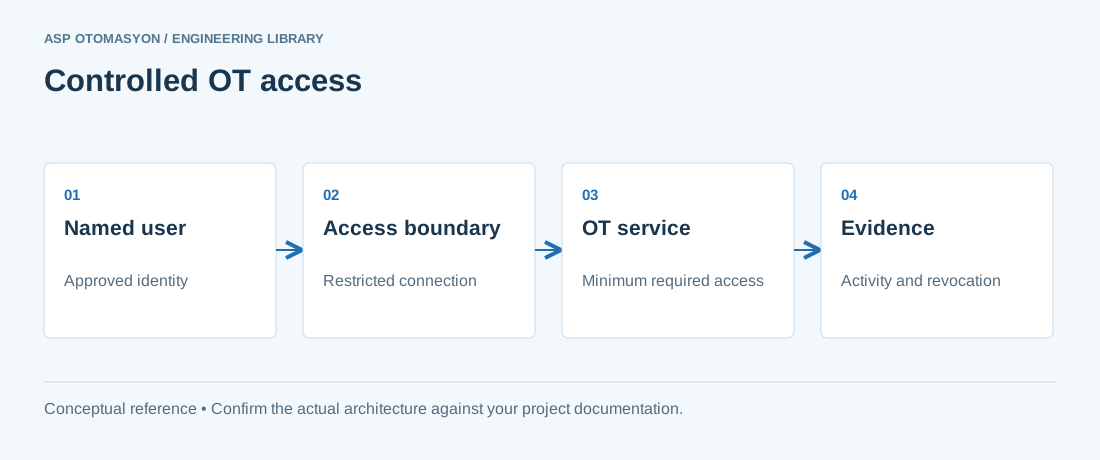
Engineering Access Controls
- Per-user accounts, not shared tools — modern engineering environments support user management with roles (view, online, modify, security admin); use it. The audit trail (who changed what, when) is as valuable as the access control itself.
- Strong authentication — replace default passwords immediately at commissioning; enforce password quality and rotation for engineering accounts; use MFA where the platform supports it (increasingly, it does).
- Controller-level protection — most controllers offer: read/write protection (know-how protection), run/stop locks (keyswitch or software), and OEM-level protection that locks a program to a serial number. Configure all of them deliberately: a program with know-how protection is also protected against casual modification — and against the plant's own staff if keys are lost, so the key management procedure is part of the design.
- Network-level engineering restriction — engineering traffic is identifiable (protocol and ports); restrict it to engineering workstations and maintenance windows with firewall rules and monitoring alerts (see the OT monitoring article).
Protection Inside the Logic
The application itself can be hardened:
- Validate all external inputs — setpoints and commands from HMI/SCADA or fieldbuses are validated (range checks, plausibility, rate limits); a forged setpoint should fail safe, not run away.
- Safe states on anomalies — watchdogs and heartbeats on communication links (engineering link active, SCADA link alive, fieldbus healthy) with defined behavior on loss: the program should know when it is being watched by nobody.
- Integrity checks — compute a CRC/checksum of the program (or use the platform's compare feature) at defined intervals and alarm on mismatch; a program that changed without a change record is an incident.
- Remote load/run protection — where the platform allows, restrict online changes to physical presence or to approved windows; remote modification by default is a convenience that becomes a vulnerability.
- Credential hygiene in logic — never store passwords or keys in the program, data blocks, or HMI scripts; use the platform's secure storage.
Change Management as Security Control
The strongest application-layer defense is process: every change to the program is an approved, documented, versioned event.
- Version control for programs (with compare and rollback) — the plant's program repository is as critical as the controllers themselves.
- Two-person rule for security-relevant changes (an independent reviewer confirms the diff matches the approved change).
- Baseline after every change: store the exact program version and checksum in the asset register.
- Periodic comparison: online vs stored program — detects unauthorized modification even where monitoring missed the session.
Testing the Application Defenses
Like any security control, the logic-level protections are tested: attempt an unauthorized upload (blocked, logged, alerted), change a protected program (fail), force a value without authority (rejected), kill the engineering link (watchdog behavior verified). These tests belong in the commissioning FAT and in the periodic security review — they verify the protections are configured and working, not just present in the manual.
Summary
Secure PLC programming protects the layer the network cannot: per-user engineering accounts with audit, controller read/write/run protection with managed keys, input validation and integrity checks inside the logic, engineering traffic restricted at the network, and change management that makes every modification a recorded event. The program is the plant's most valuable software asset — protect it with the same seriousness as the servers, because the attacker who reaches it needs no more credentials than the ones left at commissioning.
Apply this to your project
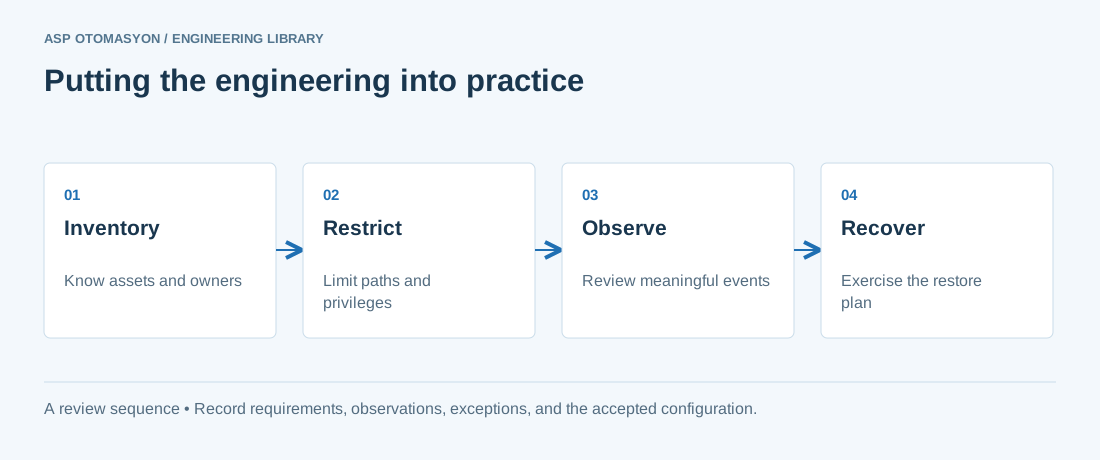
- Identify asset owners, permitted communications, operational dependencies, and consequences of losing the function.
- Test access restrictions and visibility without disrupting plant operations; agree the activity with the OT owner.
- Validate an offline recovery path and document who can authorize isolation, restoration, and return to service.
Follow an ASP project guide to connect the fundamentals with implementation and acceptance.
Primary references and further reading
Use the original specifications and product documentation for implementation details. The examples in this guide are illustrative engineering scenarios, not published project results.